
Classic Windows Games Everyone Played in the 90s

Let’s talk about the most iconic Windows games in the 90s!
Anyone who spent their childhood between the 1990s and the early 2000s and had a computer back then definitely had a blast with several simple games that were incredibly fun.
Everyone had very unique experiences, some with Windows 3.1, others with Windows 95 or 98. My first version of Windows was Windows 98, back in 1998. Around that time, my father started buying CD-ROMs with games that were sold at newsstands (which was very common in Brazil), which opened up a huge range of options for me to play.
Many of these games are extremely dated today, whether because of their visuals or their goofy sound effects. But undeniably, they bring back nostalgia for a time that, at least for me, was very special. <3
In this article, I’m going to revisit some games that not only I played, but that many people experienced back then. I know there are a lot of games, and if I listed all of them here, the article would be endless. So I focused on the most well-known ones.
Default Windows 98 Games
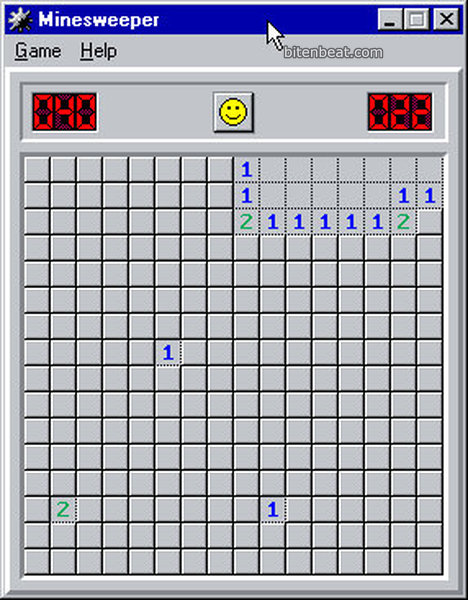
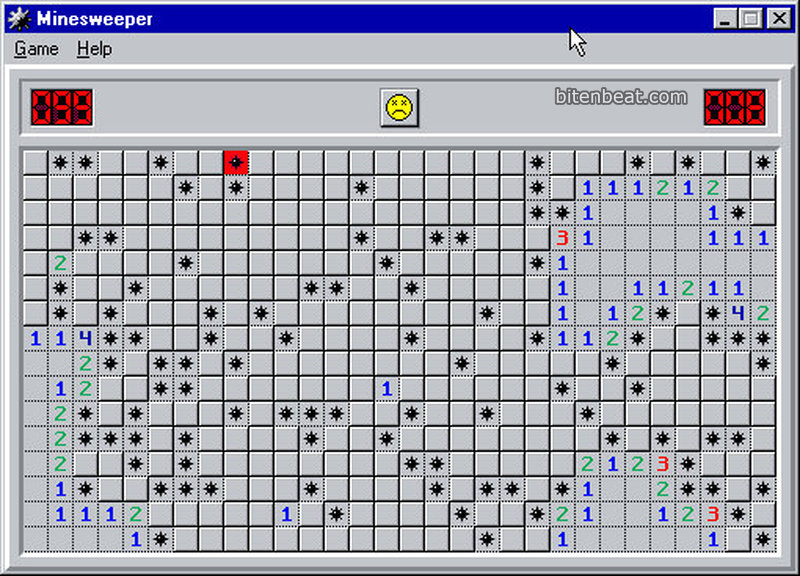
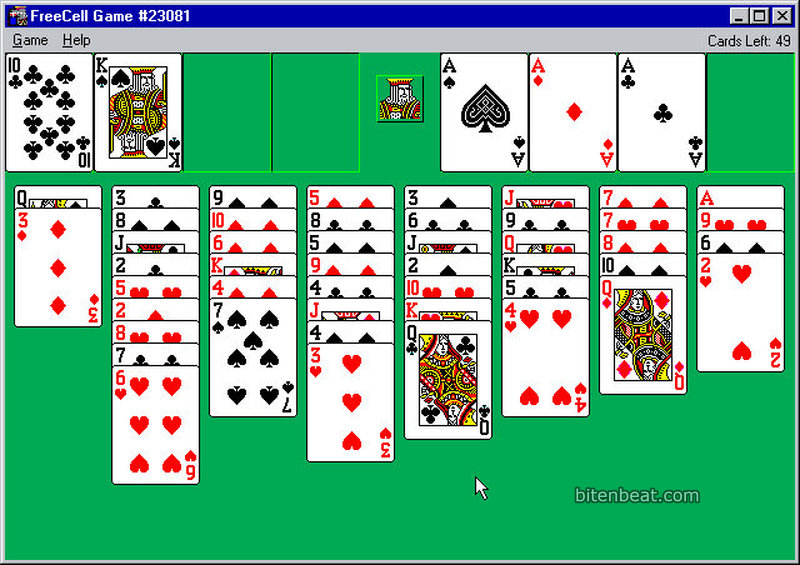
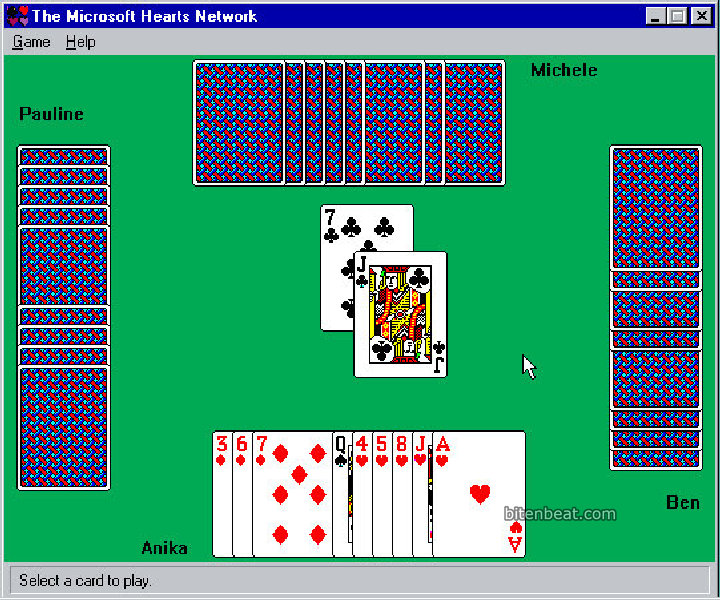
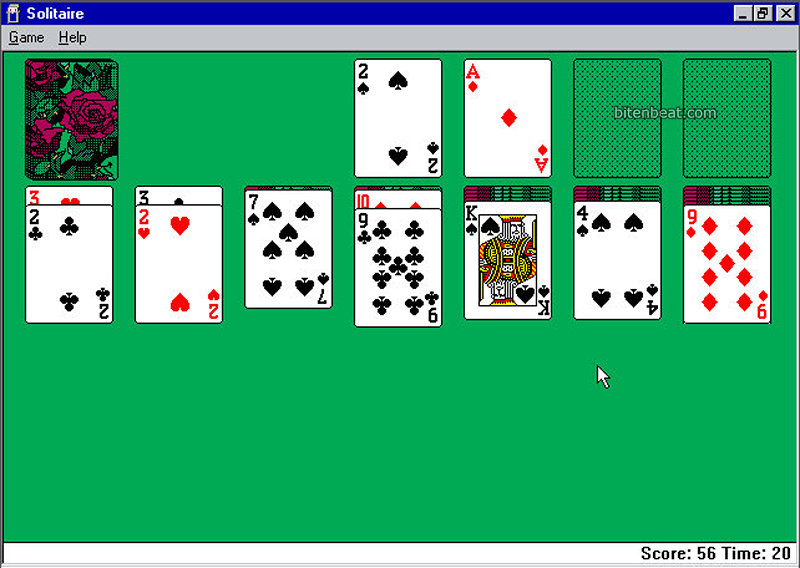
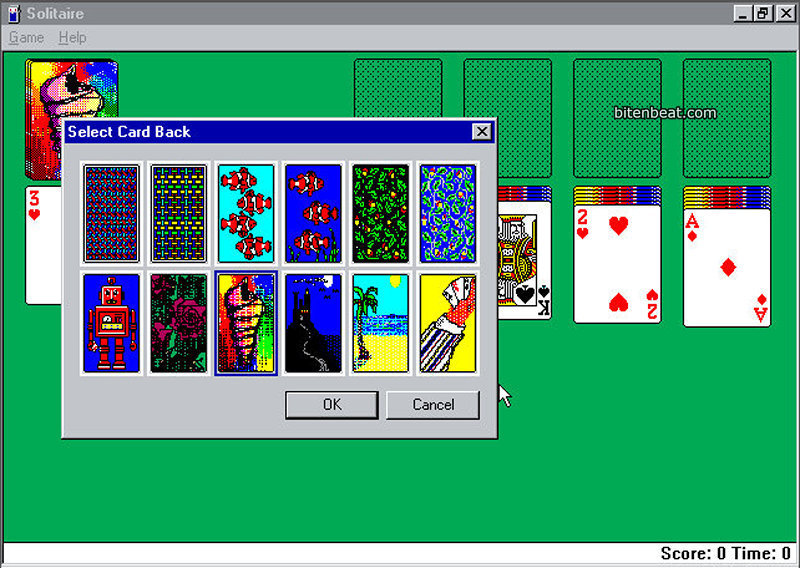
Windows 98 came with four default games: Minesweeper, Hearts, Solitaire, and FreeCell. At the time, Minesweeper was the only one I actually knew how to play. I only learned how to play the others years later! hahaha
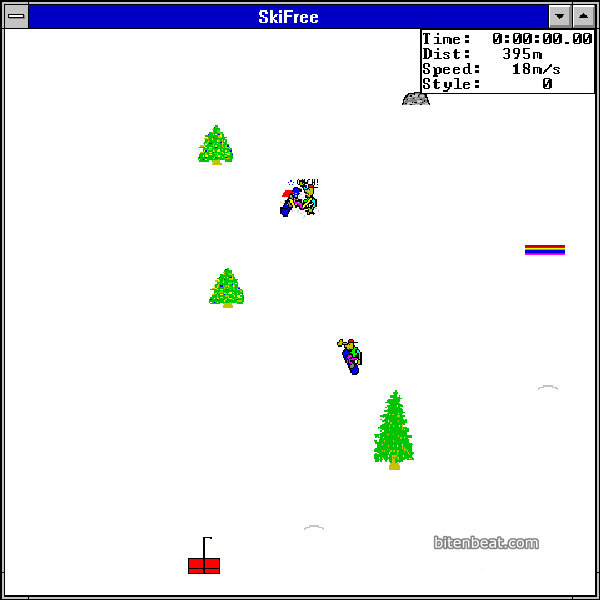
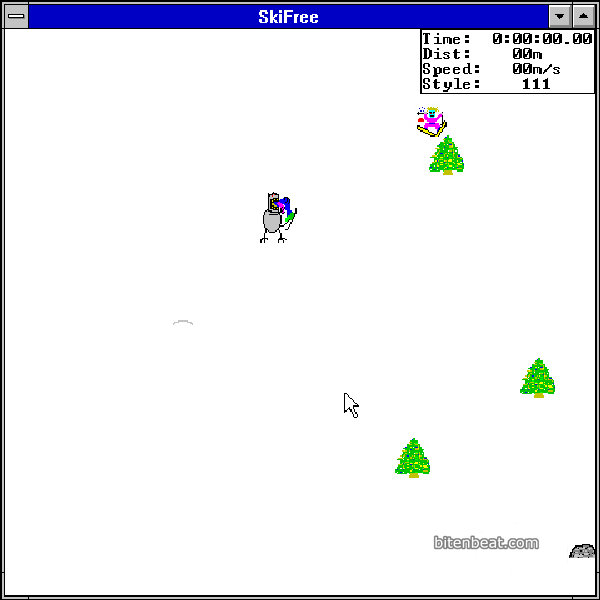
SkiFree
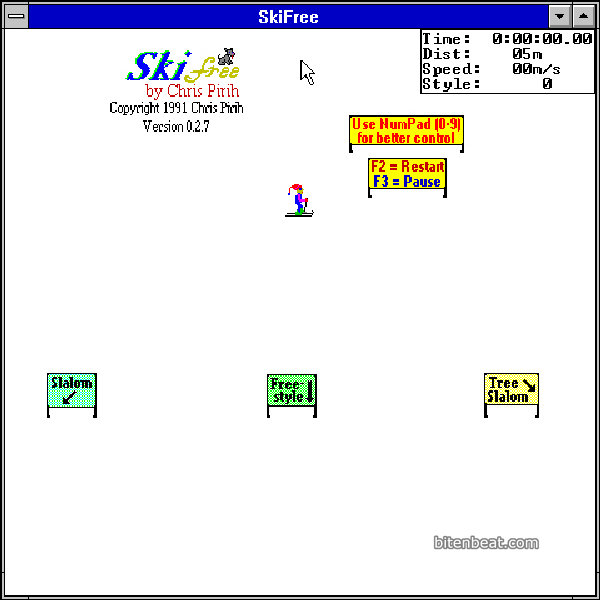
The classic skiing game where, at some point, you had to desperately run away from the Yeti.
There’s nothing particularly innovative about the gameplay, and your only goal is to rack up as many miles as possible. You could control the little skier using either the mouse or the keyboard.
I never managed to escape the Yeti more than twice, but even so, I always had a lot of fun playing.
Dangerous Dave
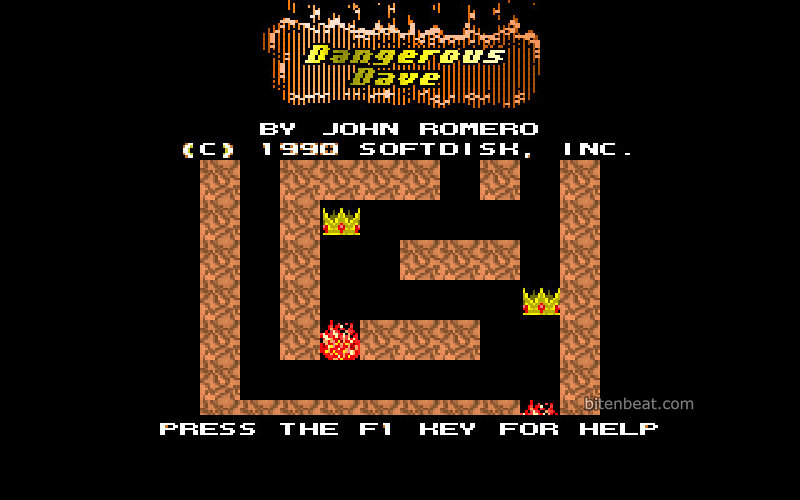
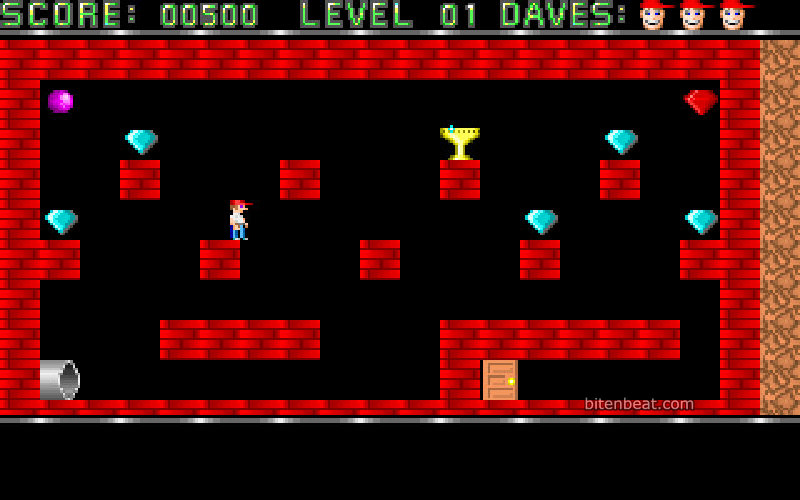
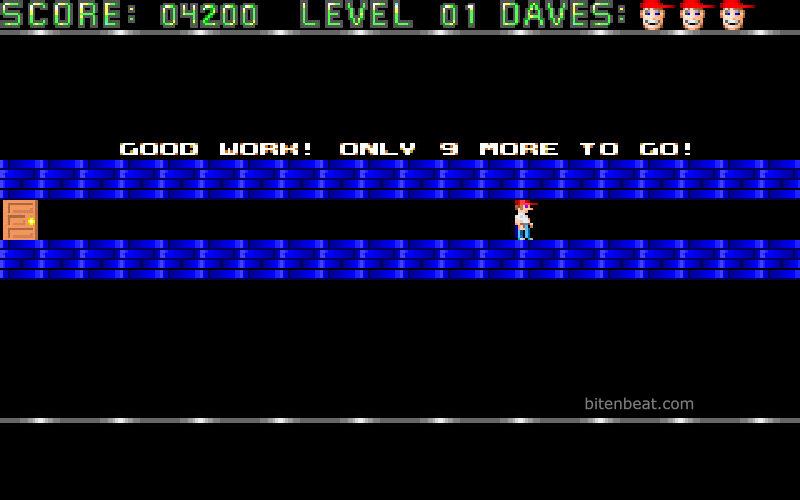
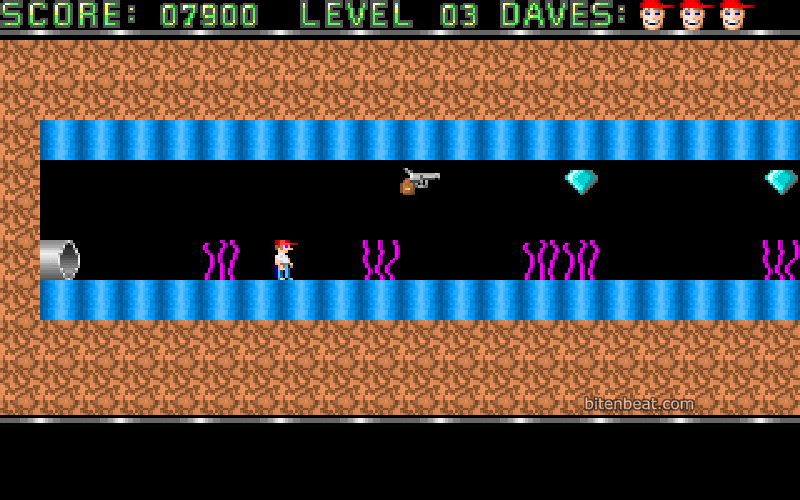
Control Dave and collect all the golden chalices to advance to the next level.
A very difficult platformer with physics that will definitely make you lose your temper!
Fun fact: this game was made by John Romero. Yes, the Doom guy. I found that out while writing this article, and it completely blew my mind!
Bang! Bang!
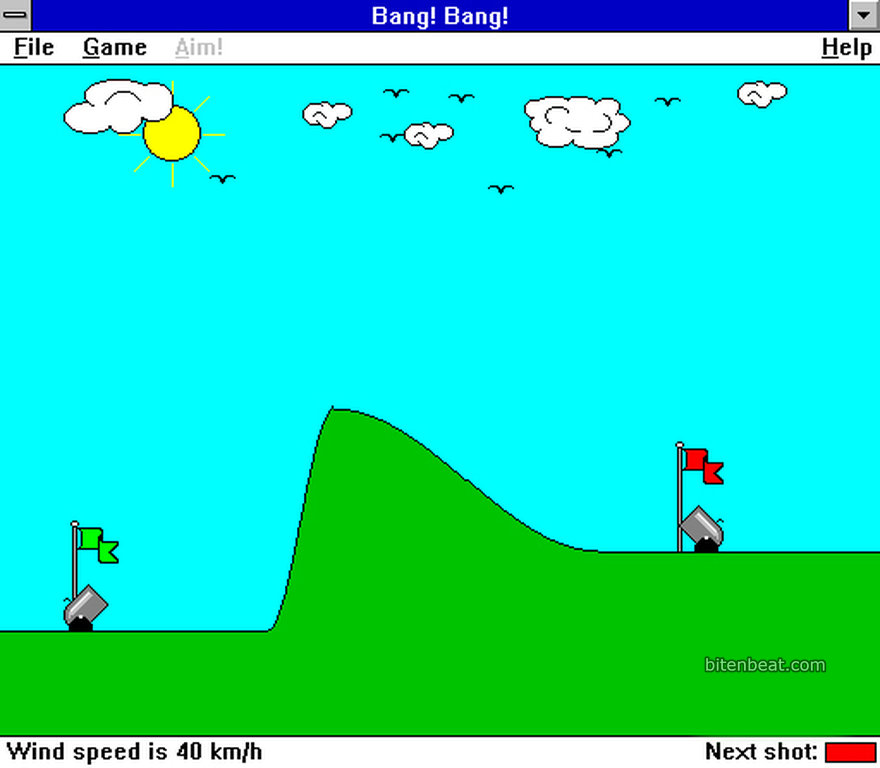
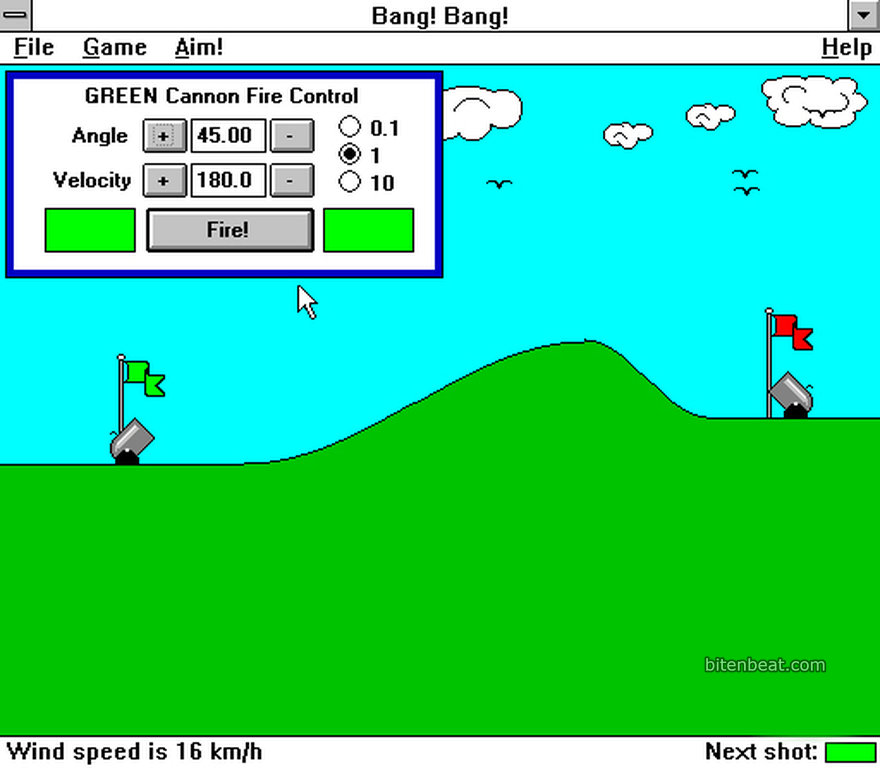
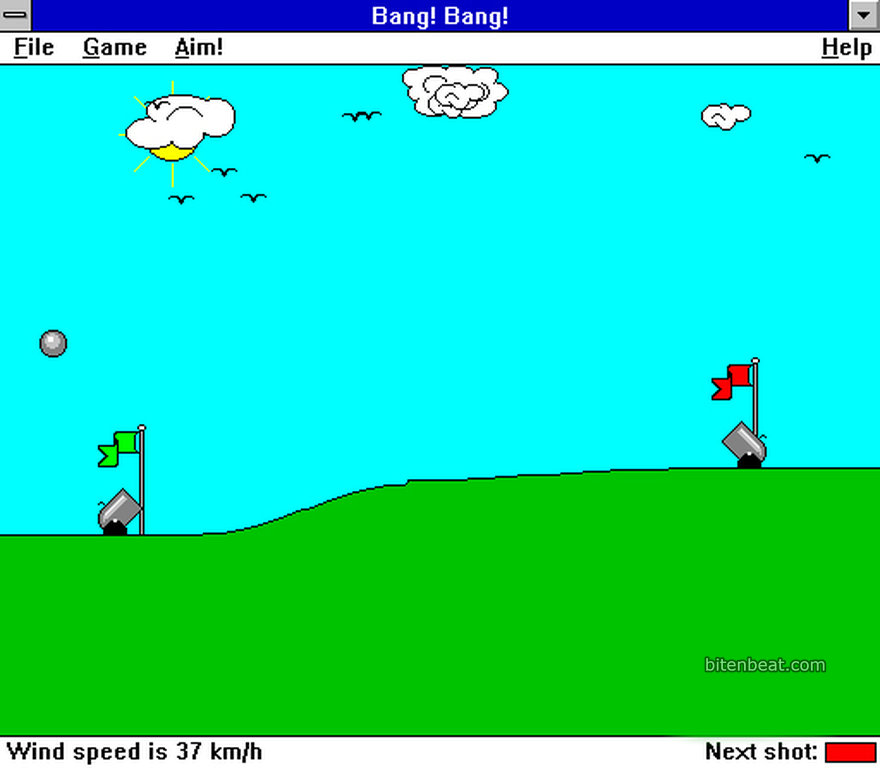
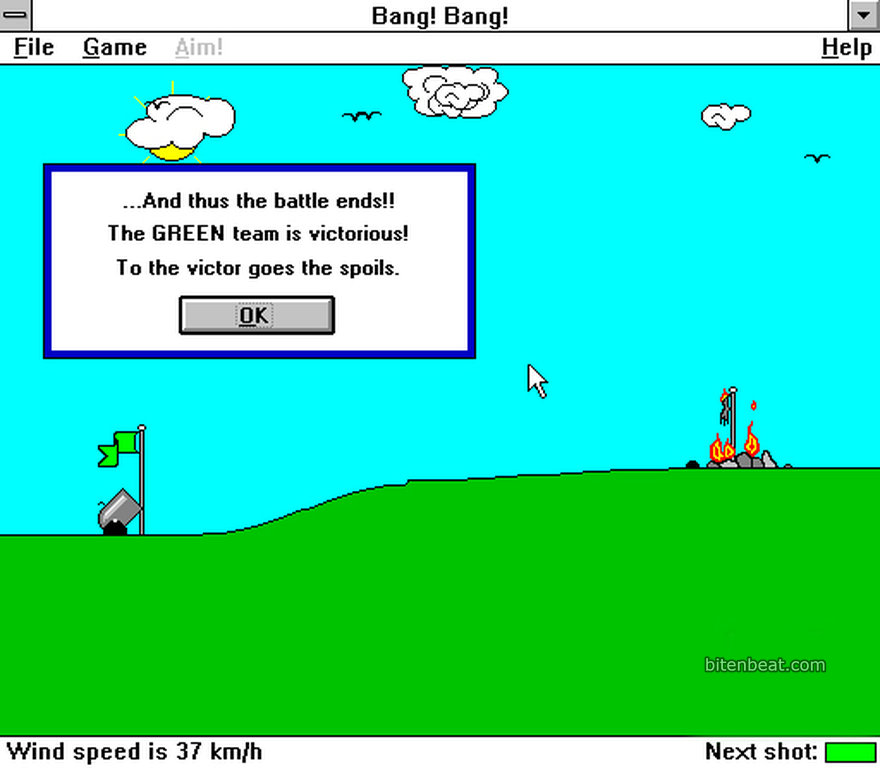
You didn’t know it, but by playing this game you were already learning, more or less, how physics works.
The goal here is to hit your opponent’s cannon by setting the angle and the velocity of your shot. That’s it, simple as that. You could play in local multiplayer or against the computer’s AI.
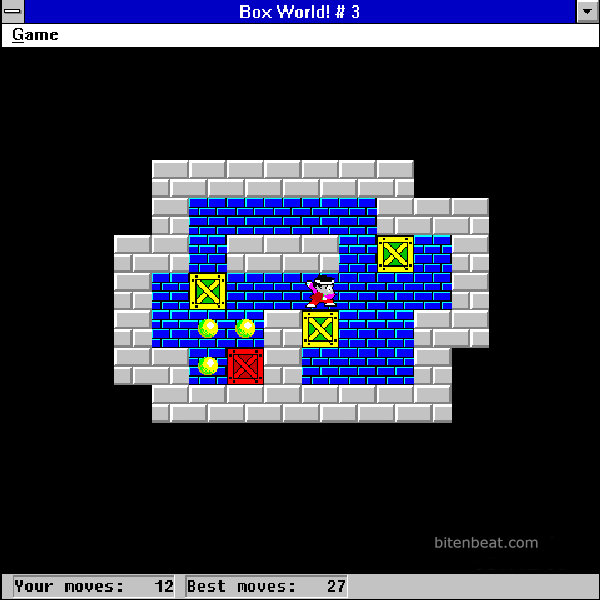
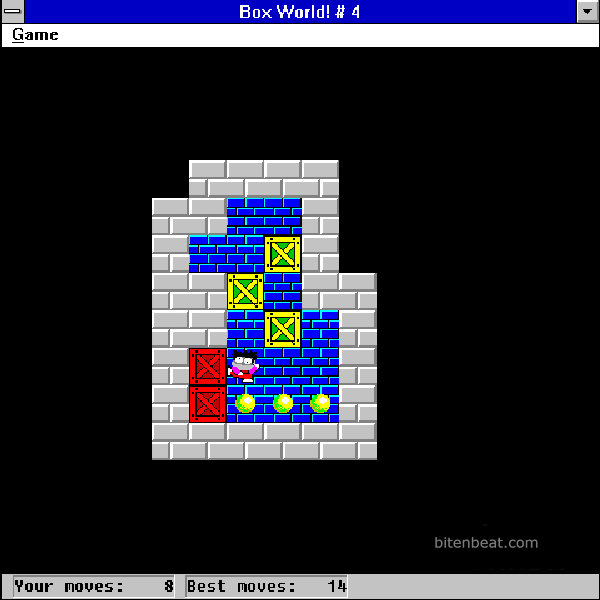
Box World!
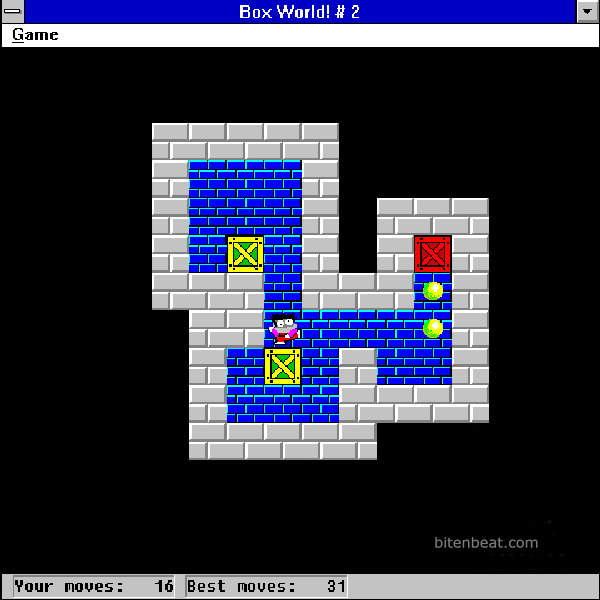
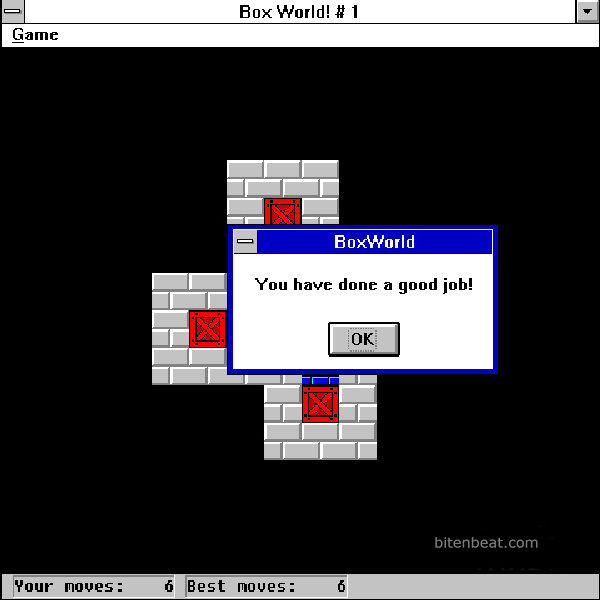
Yet another one of the countless versions of a game called Sokoban.
To clear a level, you need to push the boxes onto the yellow-marked spots. This version allows you to use either the keyboard or the mouse to control the character.
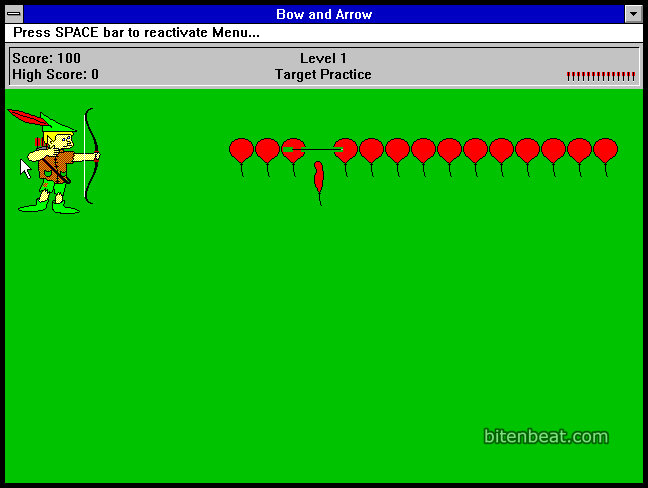
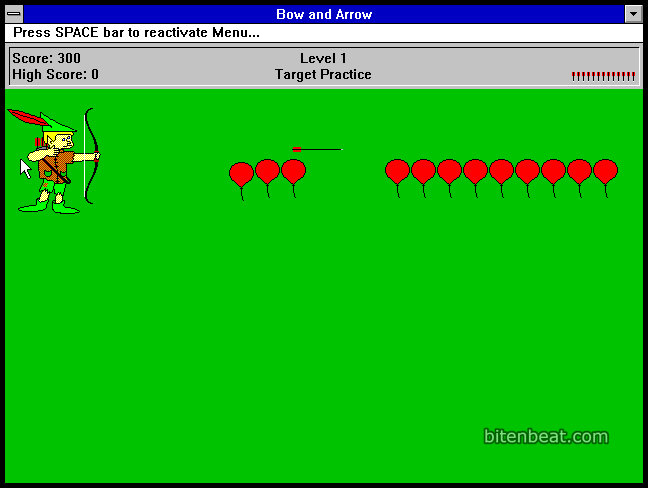
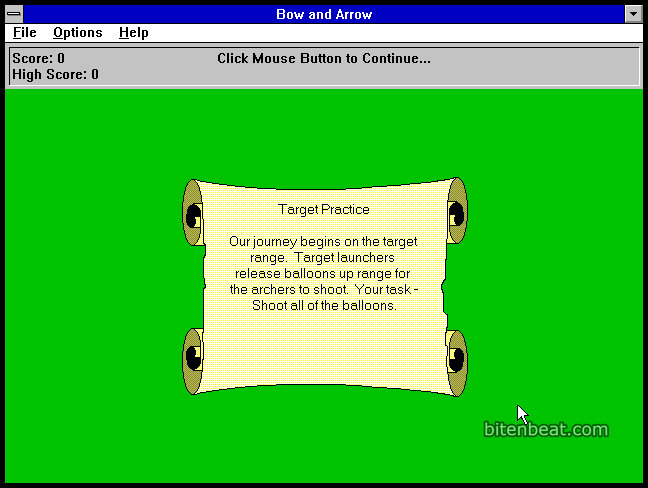
Bow and Arrow
You play as an archer and must hit all the balloons that appear. However, you only have a limited number of arrows.
It’s a pretty difficult game, and I never had much patience (or interest) to try getting past the second level.
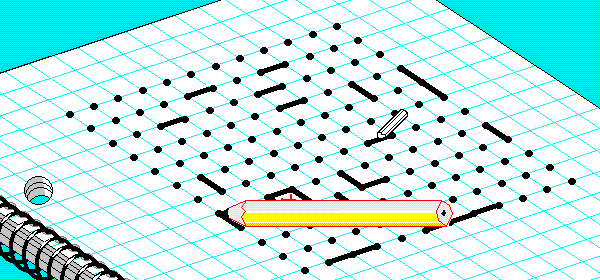
Smart Dots
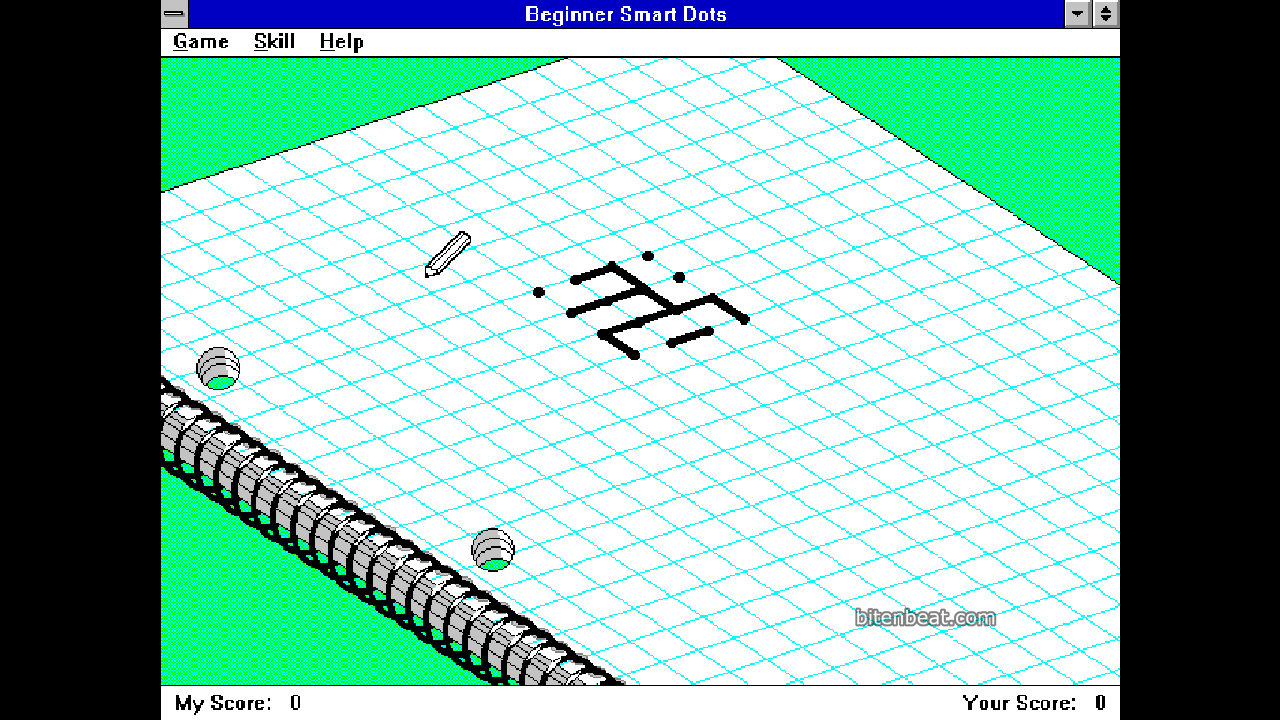
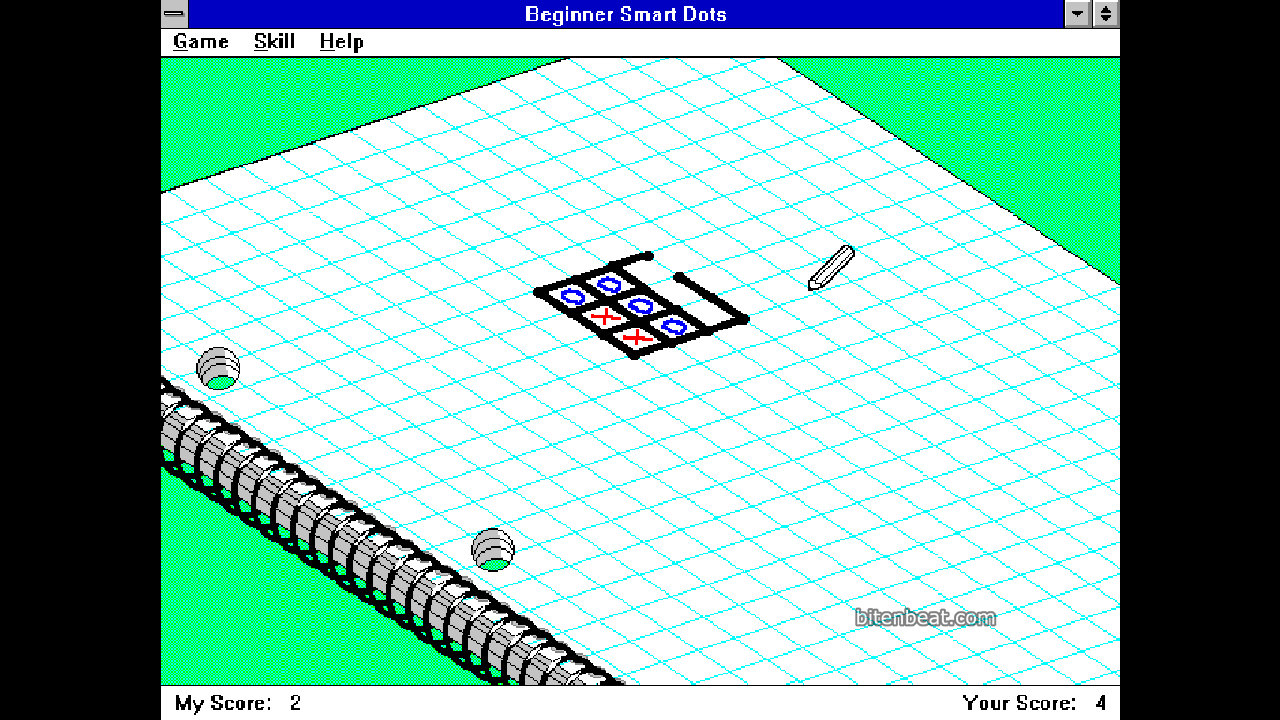
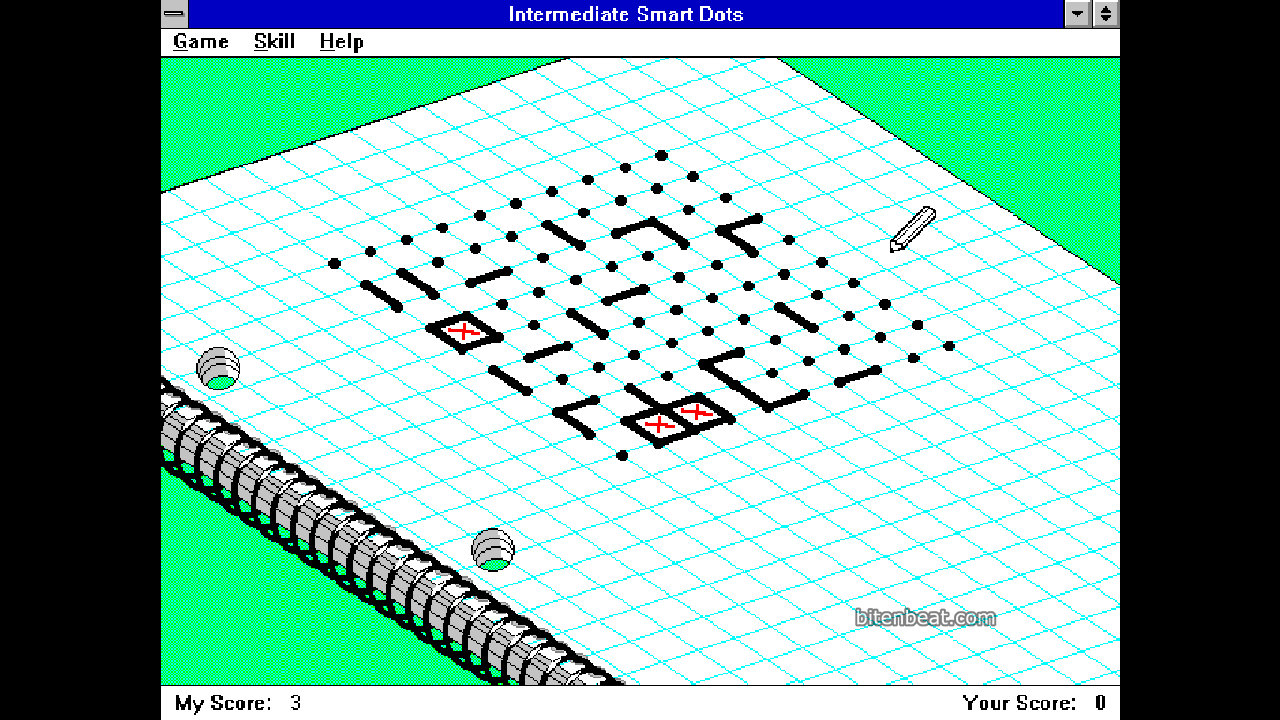
A game that, despite its simplicity, already featured some very nice visuals.
Your goal is to complete as many squares as possible. You can draw one line at a time, and if you manage to complete a square, you get another turn.
The game features a more advanced AI, giving players the option to choose the difficulty level (beginner, intermediate, advanced, master, and grand master), as well as the size of the board.
Block Breaker
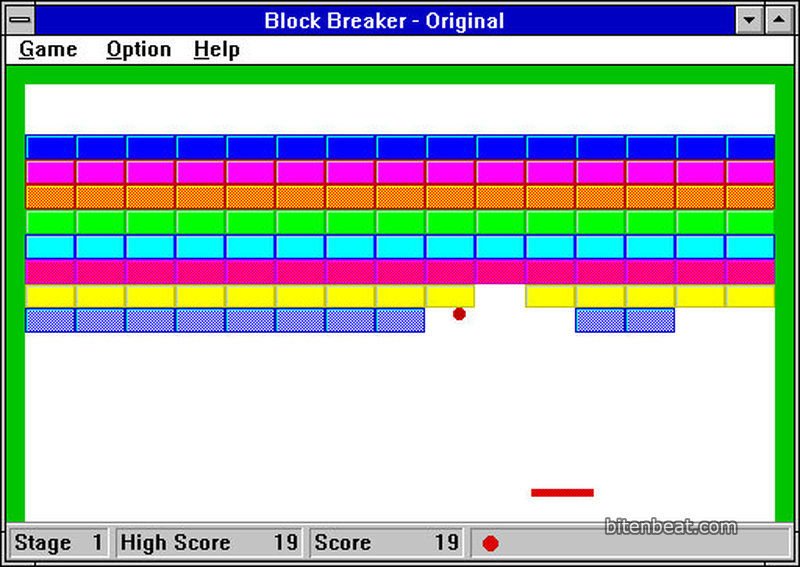
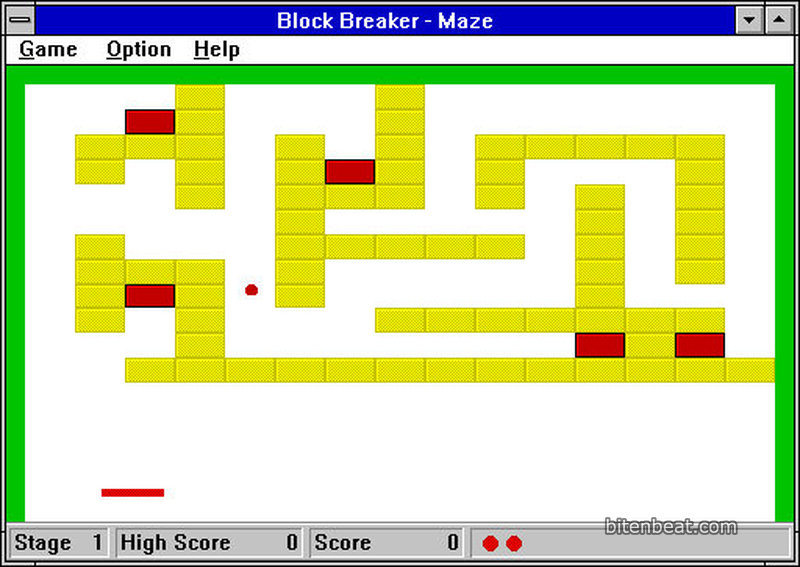
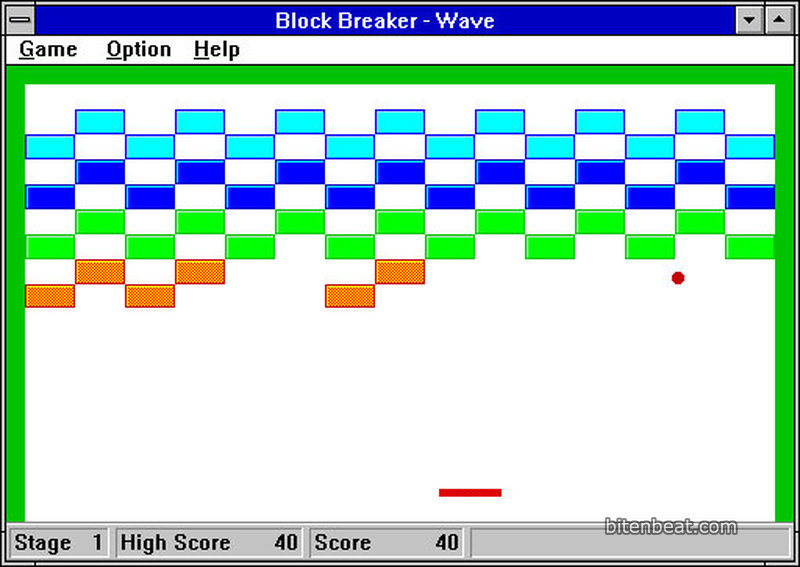
A very feature-rich version of the classic Arkanoid.
In addition to choosing whether to control the paddle with the mouse or the keyboard, you can also configure the ball speed and the style of the stages.
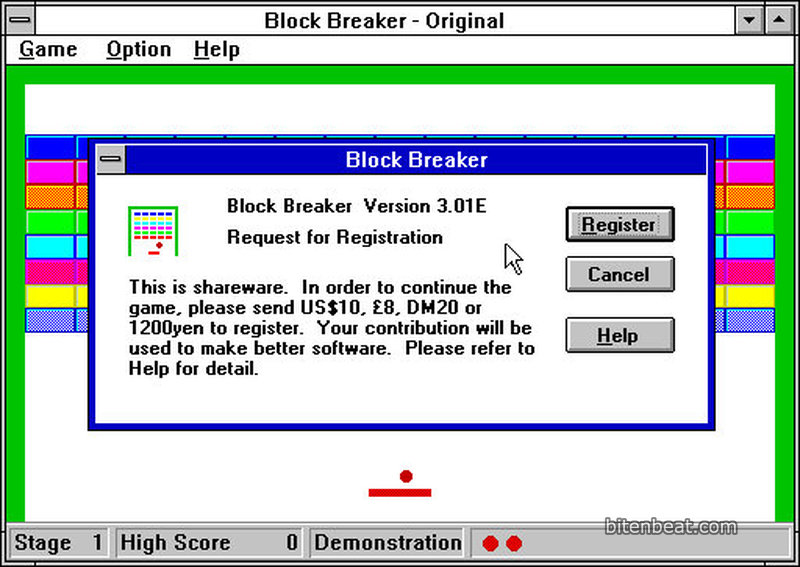
The game includes a level editor, but since it’s a shareware title, this feature was only unlocked after paying for the full version.
Feeling nostalgic yet?
Then I’ve got some good news! Nowadays, you can play all of these games directly in your browser.
They’re available on the Internet Archive and Play DOS Games.



quueria tanto baixar alguns jogos do windos 98
Tem bastante jogos no https://archive.org e no https://www.playdosgames.com
Da uma olhada nesses sites, talvez tenha os que você procura 🙂